
If you’ve ever wanted to use C# the way you use Python or Bash for quick automation, .NET 10 just made that feel… normal.
With file-based apps, you can write code in a single .cs file and run it directly — no .csproj, no scaffolding, no “create a project first” ceremony.
Quick start
Create hello.cs:
Console.WriteLine("Hello from a single C# file");
Run it:
dotnet run hello.cs
# or (shorthand)
dotnet hello.cs
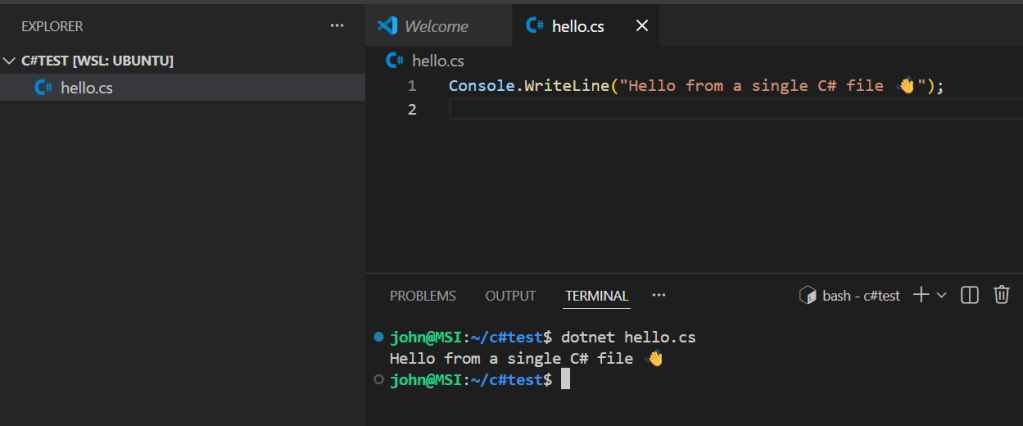
That’s the workflow: one file, one command.
Need a NuGet package? Add it inline
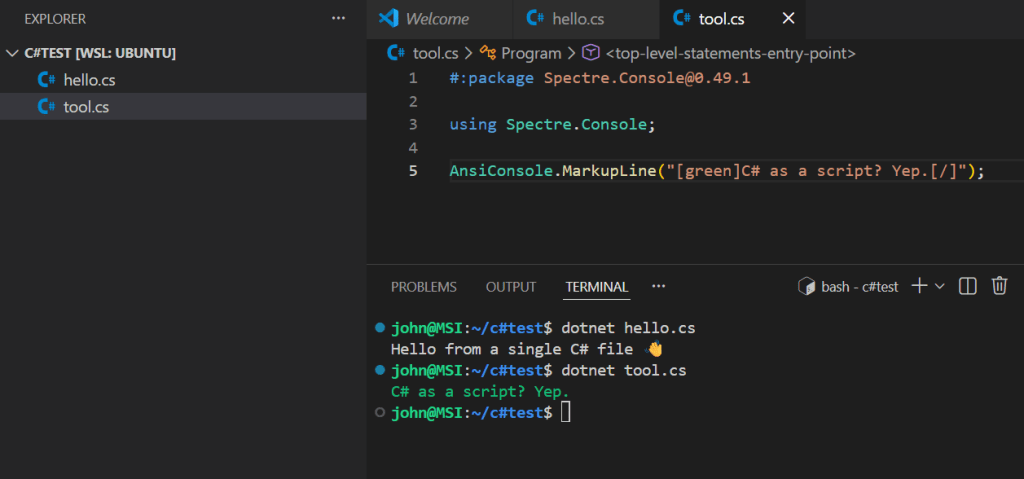
Drop a package directive at the top of the file:
#:package Spectre.Console@0.49.1

using Spectre.Console;

AnsiConsole.MarkupLine("[green]C# as a script? Yep.[/]");
Run it the same way:
dotnet run tool.cs
Make it executable on Linux/macOS
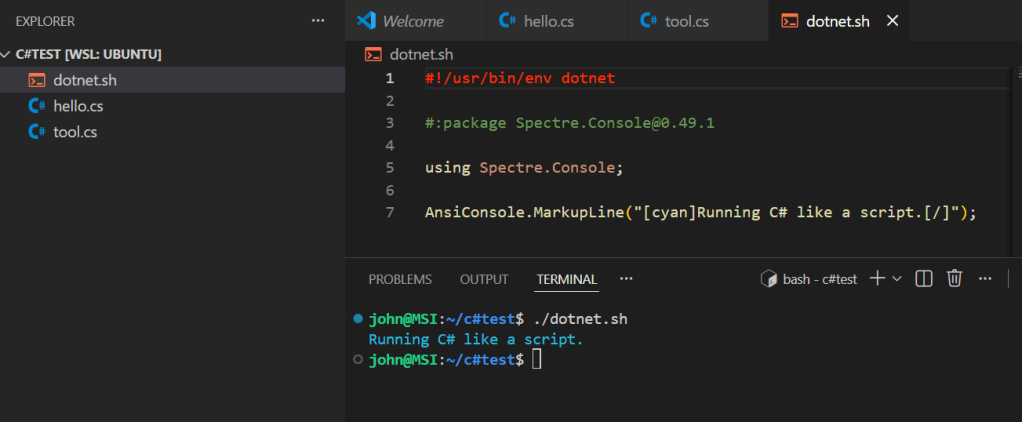
You can go full “shell script” with a shebang:
#!/usr/bin/env dotnet
#:package Spectre.Console@0.49.1

using Spectre.Console;

AnsiConsole.MarkupLine("[cyan]Running C# like a script.[/]");
Then:
chmod +x dotnet.sh
./dotnet.sh
Why this matters
This changes how C# fits into day-to-day dev work:
- Prototyping without project setup
- Automation scripts you can keep in-repo
- Tiny CLI tools that don’t need a whole solution
- Learning/teaching C# with less friction
Takeaway: C# isn’t “only for big projects” anymore — it’s now genuinely script-friendly too.
Categories: Developer Chat
 greenchapel.dev
Leave a comment